Nothing you did with AI was ever lost. It just wasn't searchable.
Fig. 1 — two commands and a question
$ npx chat-recall init
  index what is already on disk, wire up MCP

$ chat-recall search "that auth bug"
  every session, every tool, one ranked list

> what was I working on yesterday?
  the assistant answers from the index
Your data stays yours
| No. | Stage | What happens | Where |
|---|---|---|---|
| 01 | The tools write | Each tool already logs every session on its own, in its own format and folder. | your disk |
| 02 | The CLI redacts | Credentials get masked before anything is sent. The last four characters survive; the rest of the key doesn't. | your machine |
| 03 | Postgres indexes | Everything turns into one searchable history. | your server, or ours |
| 04 | MCP answers | The assistant queries the index itself, so recall happens right inside the conversation. | back in the editor |
Stages 01–02 run on your hardwareThe raw transcript never ships anywhere
Four things you get back
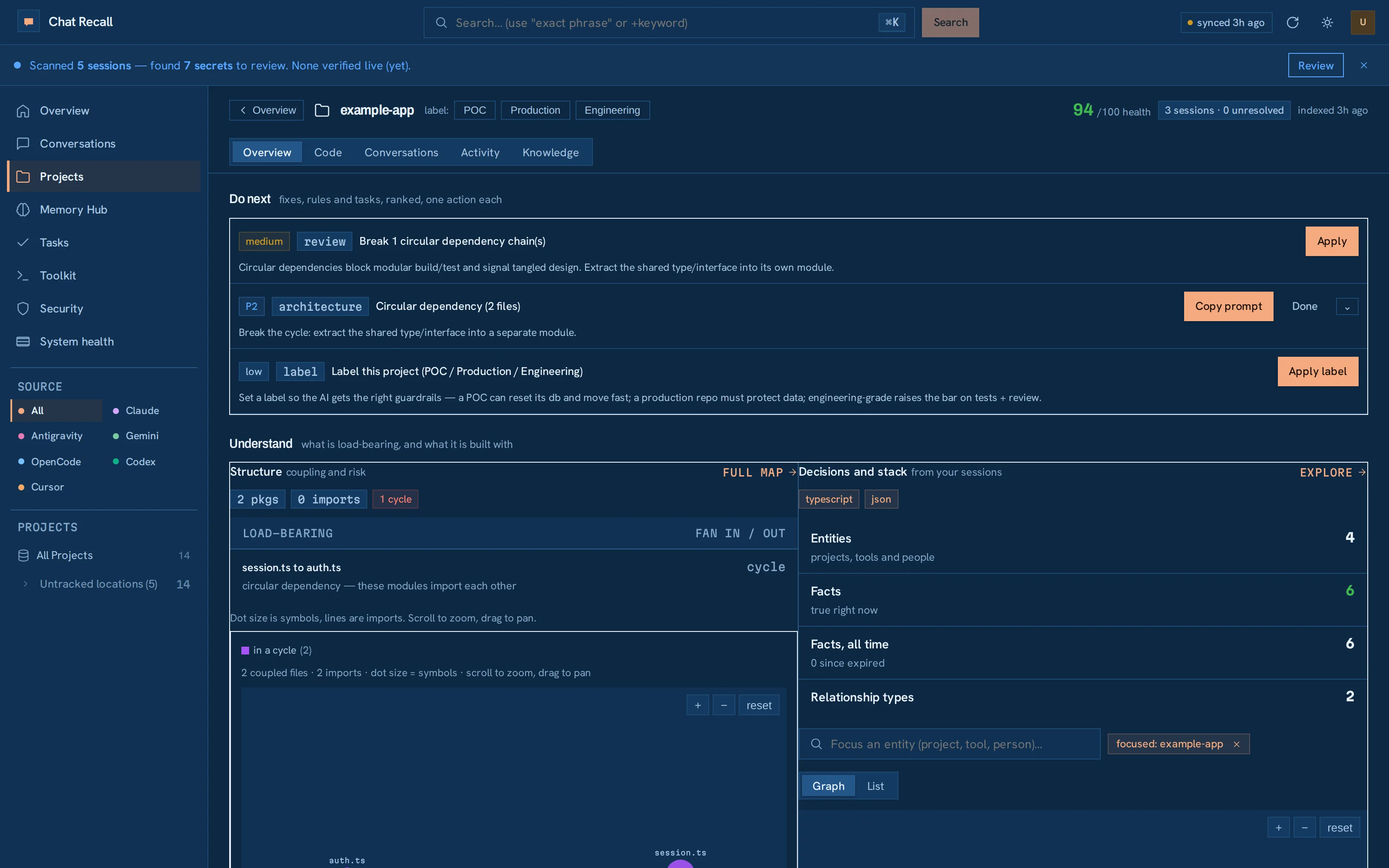
Per project, read back from your own sessions.
Fig. 2 — one project, read backFindings · coupling · decisions
What a task card carries
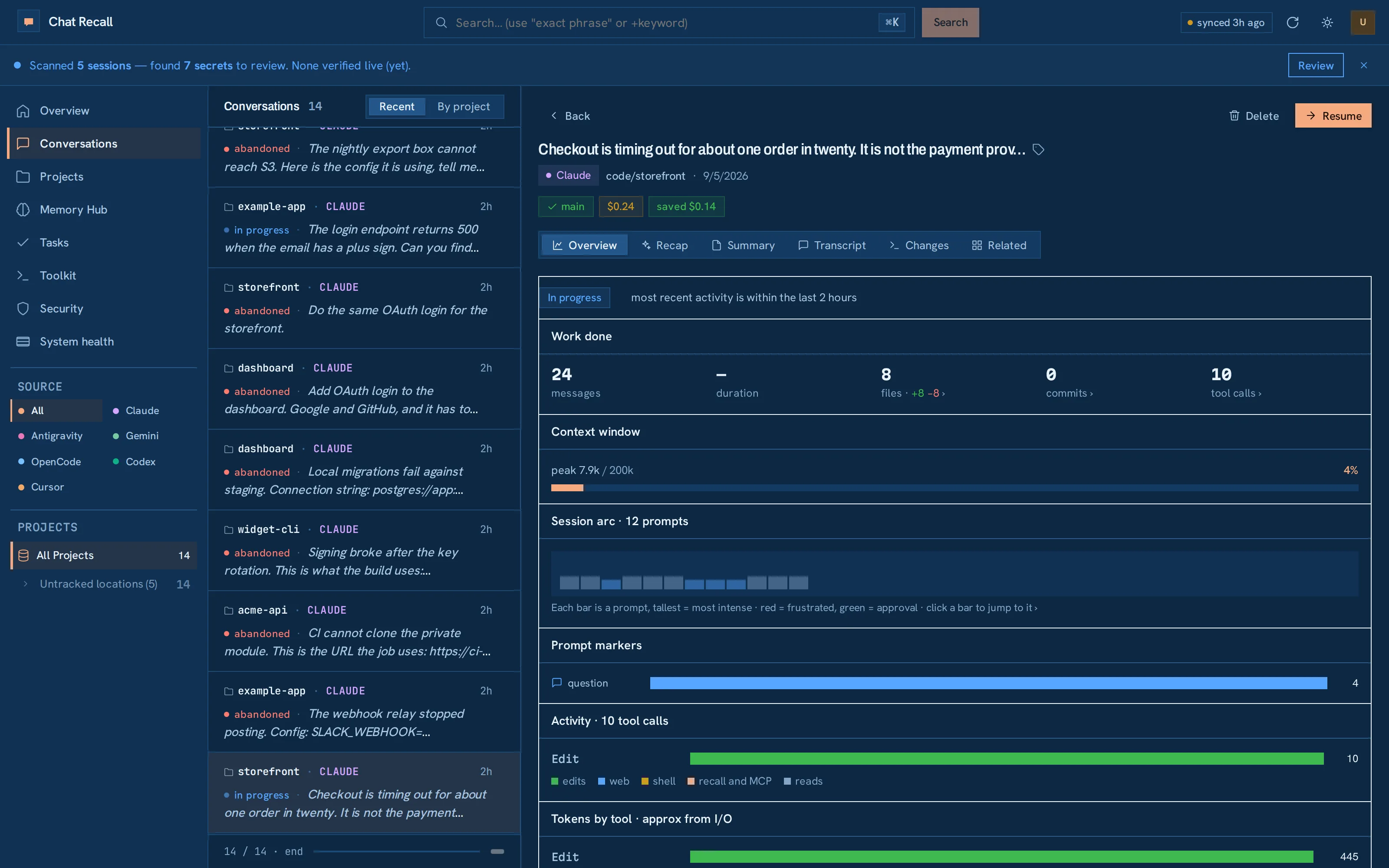
Every card carries the session that did the work. Open it and read the actual conversation.
Fig. 3 — session behind a cardOutcome · files · commits